


Pause




State Library and Archives of Tasmania
Home of Tasmania’s largest library collection and the documented heritage of Tasmania’s government and people. Explore our collections online and in-person, get help with your family history and research, see the latest exhibition or find a spot to study.

Public Libraries
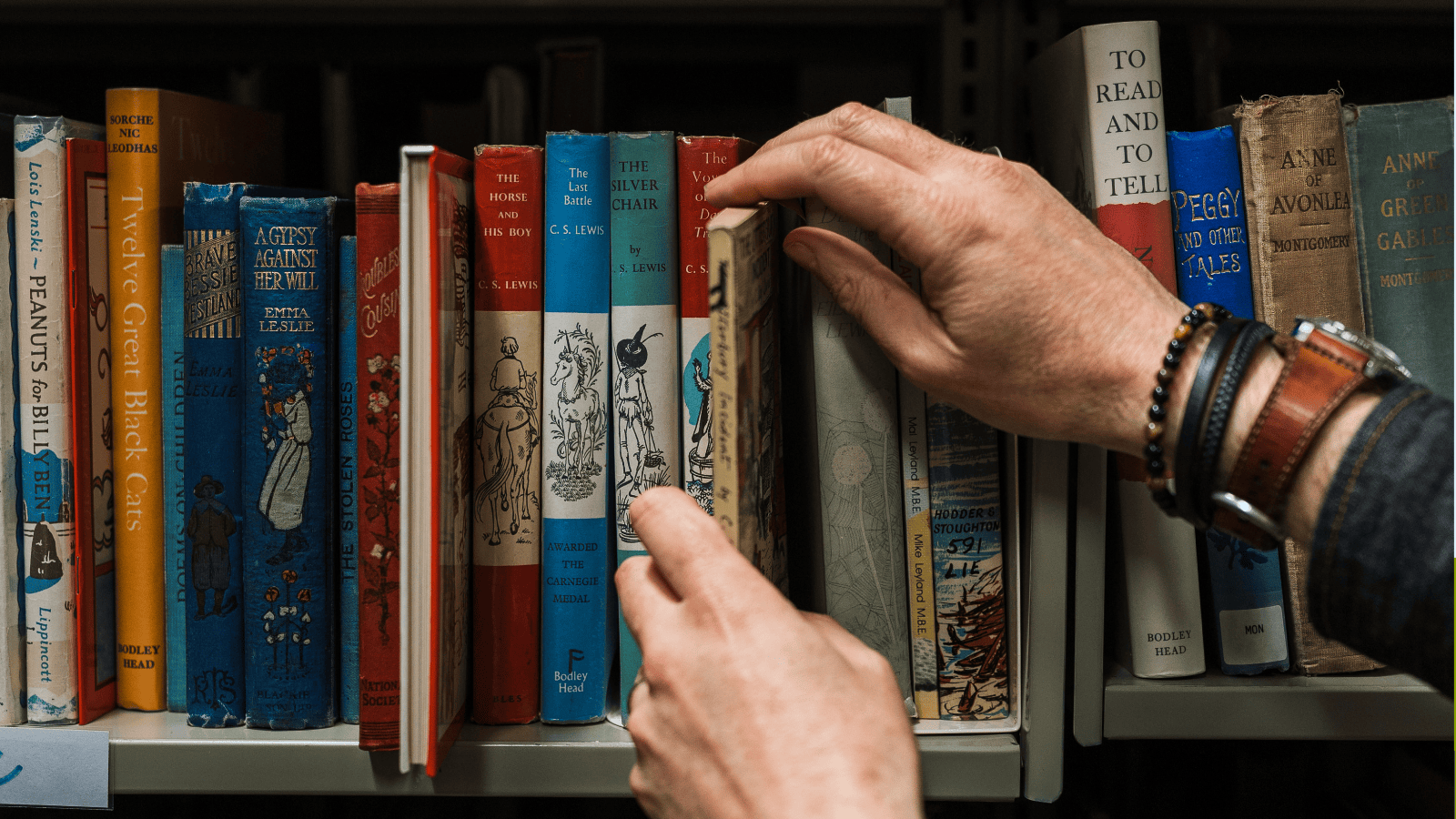
Our 46 public libraries across Tasmania are welcoming places for everyone. Borrow from the library and eLibrary, join in our free program of events, improve your digital skills, connect to free Wi-Fi and more!
Spotlight on Youth Week
A glimpse into our collections
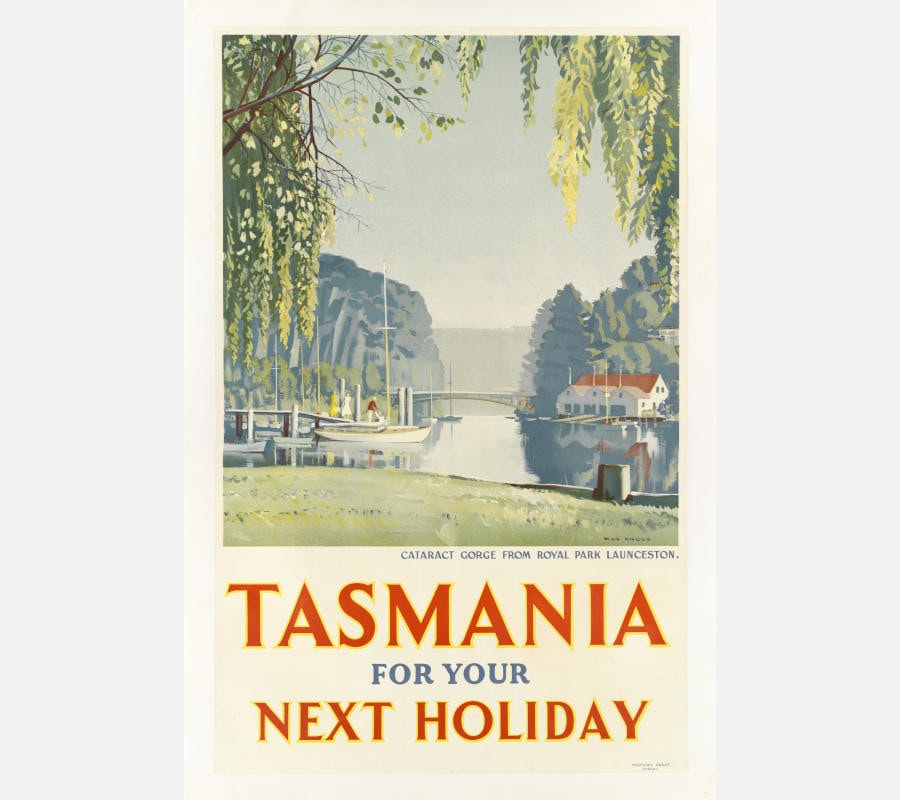
Tasmania for your next holiday / Max Angus
Max Angus was a Tasmanian artist admired for his watercolours depicting the island’s distinctive landscapes. Before gaining recognition as a painter, he worked as a sign writer and commercial artist. This lithograph, created in 1935 for the Tasmanian Government Tourist Bureau, highlights his early commercial style. Depicting Launceston’s Cataract Gorge, the poster presents a peaceful and idyllic scene to attract visitors to Tasmania. At the time tourism posters were among the most effective tools for showcasing the State’s natural beauty. Libraries Tasmania hold diverse examples of these posters, by Max Angus and other artists, throughout the 20th century.
Engage with us
What’s on highlights