
This information is general so images may not look exactly like your catalogue because there are different versions for colleges, high schools, primary schools and DECYP specialist libraries. Please ask your library staff for help.
Why do I need to log in?
To use:
- My Account – this is where you can see your loans and potentially renew loans and place or edit holds
- My Lists – this is where you can save your lists
Where do I log in?
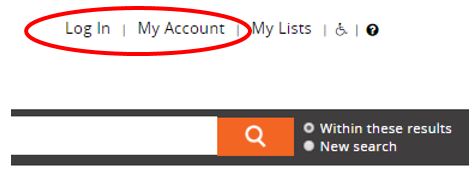
There are two options at the top right-hand corner of the screen: Log In or My Account.
How do I log in?
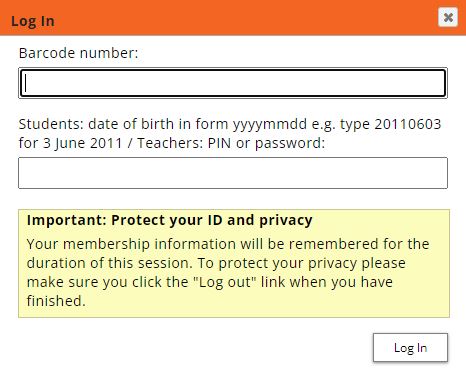
- Enter your library barcode number (it may be on your student ID card or ask library staff for help)
- Enter your date of birth or PIN/password
- Click the Log In button
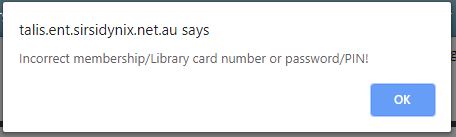
If the login fails due to an incorrect PIN or library card number a system message will display.

Once logged in the menu at top right-hand corner of the screen will display Welcome beside your first name.
To log out select Log Out. It is important to log out when you have finished if you are using a shared computer.